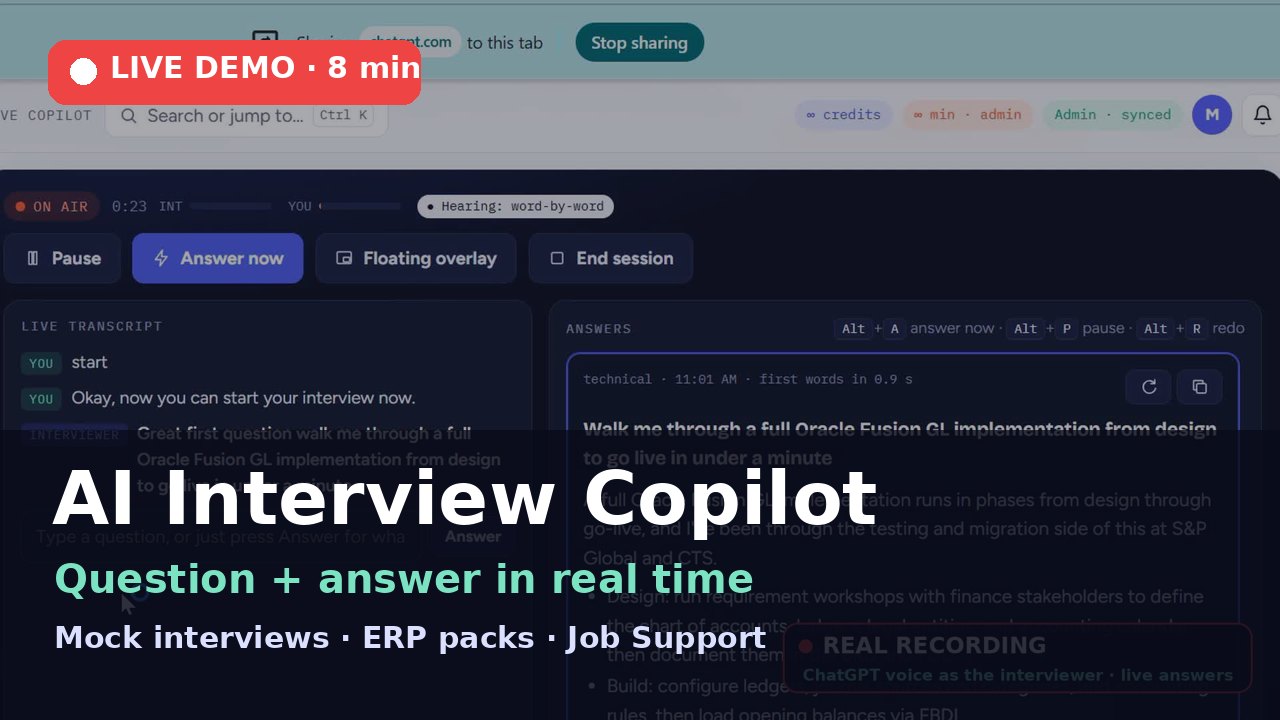
Interview Studio listens to any interview you practise with — a YouTube interview video, a ChatGPT or Claude voice mock, or a trainer on Teams, Zoom, Webex or Meet. It writes the transcript, spots each question, and drafts your answer from your own resume in about a second.
Practise your interview. Land your job. Live answers in under a second. ⚡ Much faster, quicker responses No card needed · 100 AI credits
No card needed · 100 AI credits included · Works in Chrome and Edge


Live answers in under a second — from your own CVs and job descriptions.
Practise your interview. Land your job. ⚡ Much faster · quicker responsesDownload the poster, banner or story and post it on LinkedIn, WhatsApp, Instagram or Facebook.
Everything runs in your browser tab. Share the tab or screen where the interviewer's voice plays, and keep the floating overlay on top of your call.
The interviewer's voice comes from shared tab or system audio; yours comes from the microphone. Each line is labelled.
Every sentence is turned into text as it's spoken, in English, Hindi, Arabic and more.
When the interviewer finishes a question, drafting starts on its own. Or press Alt + A.
S·T·A·R points for behavioural questions, bullets for technical ones, code for coding — from your resume only.
Jump to a part of the demo
Can't see the video? Watch it on YouTube
Live tools use minutes. Practice tools use credits. The Peer Mock Room is always free.
System audio and mic listening, live transcript, automatic question detection, answers from your resume, floating overlay, hotkeys.
Help in stand-ups, 1:1s and reviews in a new job, using the job context you give it.
Any role and level, four interviewer styles. Answer by voice or typing; get a score and a stronger answer.
Problems in seven languages with hints one at a time and a review of correctness and complexity.
A friend or trainer asks; a hidden rubric, scores, notes, and an AI coaching summary. Free.
Transcript, what you said versus the suggested answer, scores, and one click to practise the same questions again.
Match score, missing skills and rewritten bullets for one job — no invented experience.
Your best-fit roles ranked, with gaps, plus searches on AI Jobs, LinkedIn, Naukri and Bayt.
A cover note per job from your resume. Nothing goes out until you approve and send it.
Prices in US dollars. India, Saudi Arabia and UAE see local prices in the app; checkout shows the final amount in your currency.
Download and install the app (about 1.4 MB). The first time, Android asks you to allow installs from your browser: tap Settings → Allow, then Install.
Download for Android (.apk)Google Play version coming soon.No download needed. Open aijobs.click/interview/app in Chrome on Android, tap ⋮ → Add to Home screen → Install. On iPhone, open it in Safari and tap Share → Add to Home Screen.
Install the appThe desktop app hears Teams, Zoom or Webex sound without screen sharing and keeps answers on top.
Desktop appsWhen you press Start, your browser asks what to share. Pick the tab playing the interview and tick "Share tab audio", or pick your entire screen and tick "Share system audio" on Windows for desktop Teams, Zoom or Webex. On a Mac, use the web version of the call in a Chrome tab.
No — it runs in Chrome or Edge. For desktop Teams, Zoom or Webex without screen sharing, get the Windows or Mac app; on phones, install it from the browser or the Android app. Get the apps.
From the resume in your profile and, if you add one, the job description. The AI is told never to invent employers, numbers or tools; where your resume has nothing relevant, it marks the spot for your own example.
No audio is stored. Short clips are sent for transcription and discarded; only the text transcript is saved to your session history, which you can delete.
Interview Studio is built for practice and mock interviews. Many employers don't allow AI help in real interviews, so check their rules before you use it in one.
Listening detects the spoken language automatically. Answers can be written in English, Hindi, Arabic, Urdu, Tamil, Telugu, Malayalam, French, German or Spanish.